


Shopify POS: Keyboard shortcuts and navigation in Shopify POS
 By Liam Bollman, Shopify, photo and film
1 min read
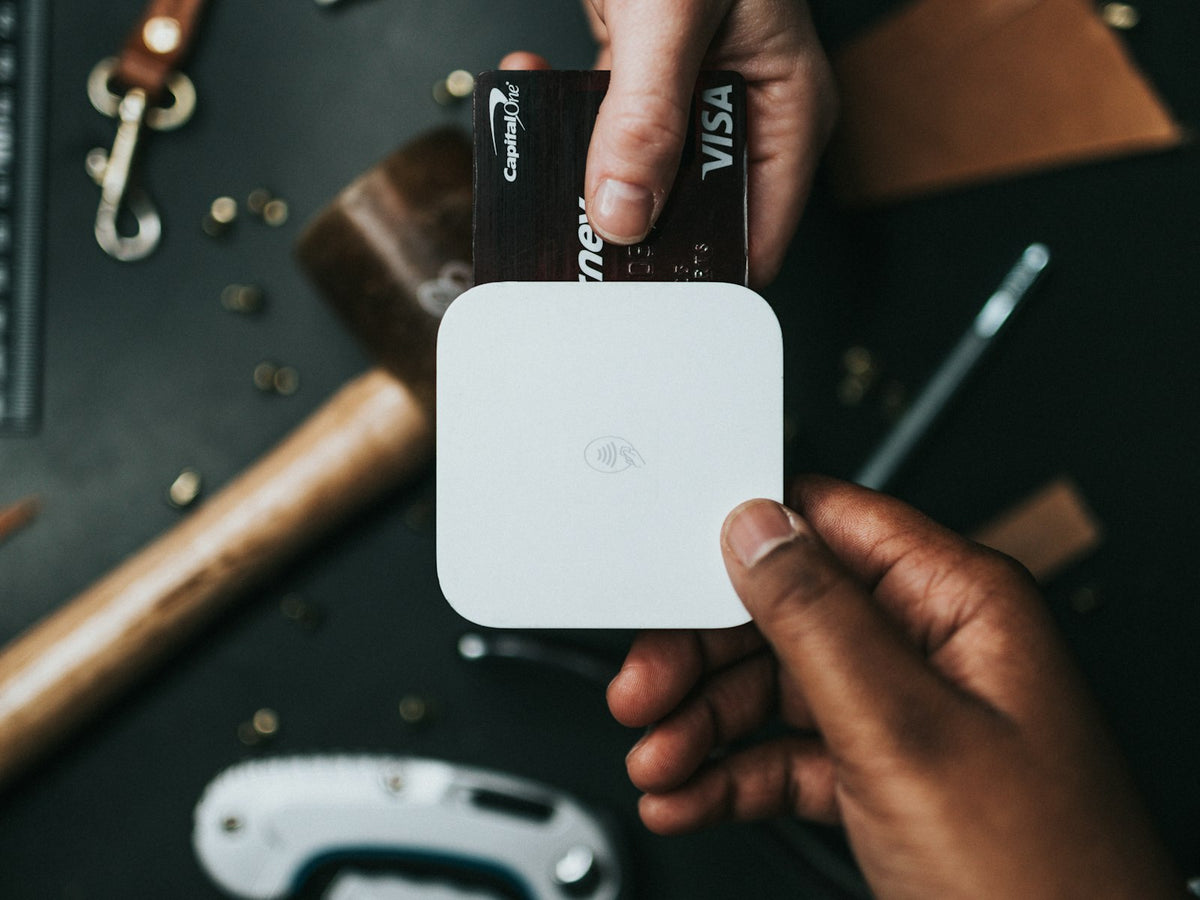
Shopify has released a new update for Shopify POS. It's about Keyboard shortcuts and navigation in Shopify POS and is part of Shopify's ongoing work to make the platform clearer, faster, and easier to operate.
What the update means
For merchants who sell both online and in physical stores, this means better control, fewer questions in their daily operations, and a clearer connection between the store team, inventory, and customer experience.
Why it matters
For e-commerce merchants, it is often these continuous improvements that make the biggest difference over time. When Shopify moves more functionality closer to the core, the store becomes easier to scale, easier to manage, and simpler to optimize without unnecessary custom code.
Wubs' interpretation
Our view is that the update is worth keeping an eye on if you are building your store for the long term. It shows how Shopify continues to evolve as a platform for brands that want to combine a better customer experience with more stable operations and smarter workflows.
Who should look into this?
Primarily brands with a physical store, pop-up, showroom, or Shopify POS in combination with e-commerce.