


Shopify for engraving and laser engraving
For engravers who take text, logos and dates online for wood, metal, glass and leather, where characters, font and placement have to be right before the laser starts.
A spelling mistake cannot be undone
Engraving is permanent. Whatever is in the text field gets burned or milled into the product, and a misspelled name means the item is scrapped. The shop therefore needs to make it hard to order the wrong thing: limit the number of characters to what fits on the surface, show the text in the font the machine actually has, and let the customer see the placement before buying.
Every material has its limits. An oak chopping board can take a logo with fine lines, an anodised bottle handles less detail, and glass is engraved differently from leather. Characters such as å, ä and ö, symbols and emojis do not always work in every font, and the shop should stop them in the field itself.
Many people buy for a date: weddings, christenings, anniversaries, farewells. The delivery time has to include the engraving. Businesses often order larger runs with a logo, and they need to be able to upload a vector file and get a proof before production starts.
What is usually included
- Preview
- Character limit
- Fonts
- Logo upload
- Proof
What we build for engraving
We build engraving fields with rules per product, a preview in the right font and an order line that contains exactly what goes to the machine.
- Character limit and allowed characters per product and surface
- Preview in the machine's font on the product image
- Choice of placement, for example front, back or lid
- Logo upload in vector format for business orders
- Proof flow for runs before production starts
- Delivery date that includes engraving time
Systems and apps that are often connected
We choose a proven app when it is enough and build a custom integration when it is not.
-
Product personalisation app
Text field, fonts and preview when products have many surfaces or need free placement
-
Custom section in the theme
For simple engraving fields, a custom field with a character limit and preview is enough, with no app and no monthly fee
-
Klaviyo
Sends proofs for approval and reminds customers who bought for anniversaries and milestones
-
Fortnox (Swedish accounting software)
Invoice data for business orders with logo engraving in larger quantities
What is easy to miss
-
Preview in the wrong font
If the shop shows a web font the machine does not have, the result is something other than what the customer approved.
-
Character limit that ignores the surface
The same limit on a ring and a chopping board gives either too little room or text that does not fit.
-
Å, ä and ö get lost
Special characters that disappear between shop and machine mean a scrapped item and an awkward phone call.
-
Right of withdrawal worded too strictly
Personally engraved goods are generally exempt, but an item without engraving has the normal right of withdrawal. Your terms need to tell them apart.
From text field to engraving file
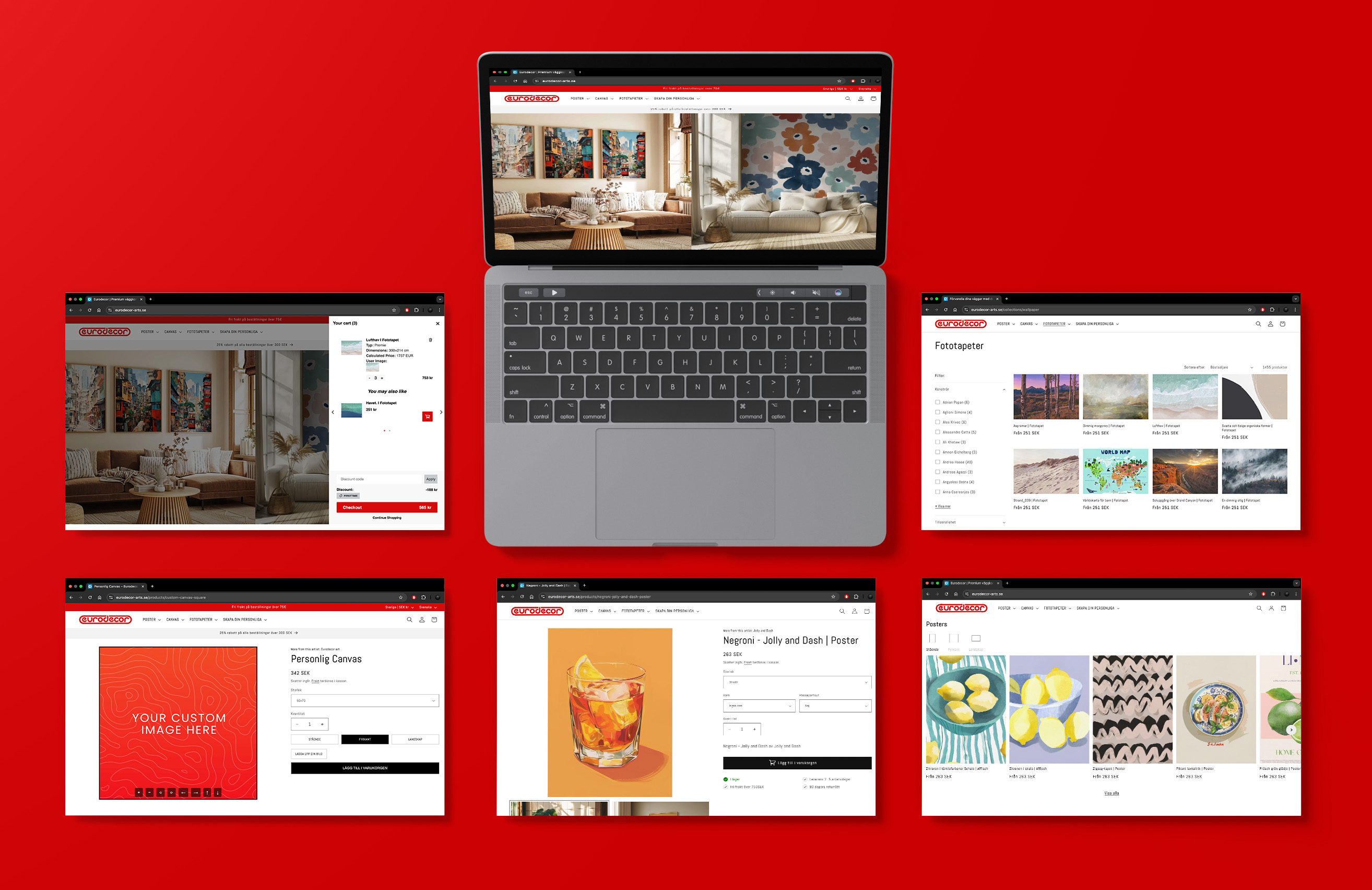
Each product gets metafields that control the engraving: number of lines, maximum characters per line, allowed fonts and which surfaces can be engraved. The field in the theme reads the rules and stops anything that does not fit before the item goes into the cart. The preview draws the text on the product image in the same font the machine uses. Text, font and placement follow as properties on the order line, so the engraver can copy them straight into their software. We test with long names, special characters and mobile before launch.
Previews we have built
In related industries we have built design-your-own directly in the theme without an app, a design tool for phone cases with preview, and a 3D configurator for beanies via Zakeke. What they have in common is that what the customer sees on screen has to be exactly what goes to production.
Questions about engraving in your online shop
Do we need an app for engraving fields?
Not for simple text. An engraving field with a character limit, a few fonts and a preview can be built in the theme. When the customer needs to place text and images freely on several surfaces, or see the product in 3D, an app usually pays off. We choose based on what your products look like.
Does the right of withdrawal apply to engraved products?
Goods that have been clearly personalised to the customer's specifications are generally not covered by the right of withdrawal. The same product without engraving is. State this clearly on the product page and in your terms, and check the wording against the guidance from the Swedish Consumer Agency (Konsumentverket).
Can businesses upload their logo?
Yes. The customer uploads a file, ideally in a vector format such as SVG, EPS or PDF, and the file follows the order. For larger runs the order can be held for a proof, so you send an image of the placement and wait for approval before production starts.
How do we get the text to the laser without retyping it?
Text, font and placement are stored as properties on each order line and can be exported. With a simple integration they can become one file per order that your engraving software reads, so nobody has to retype anything by hand.
Related industries
Building for this industry?
Answer a few questions and see a preliminary price right away. We call you and finalise it together with you.
Rather talk directly? hej@wubs.se · 076-191 68 42